
The transition to hybrid work models has fundamentally transformed how companies equip their workforces. This new paradigm requires a careful reevaluation of how to best provide employees with the tools necessary for effective performance, whether they are working from home or in the office. Standardizing hybrid work kits, bundles of essential equipment tailored to support both remote and in-office productivity, can dramatically enhance efficiency, streamline onboarding processes, and reduce waste. Companies like SetupMatch offer innovative solutions to simplify this transition, providing IT managers with the resources needed to efficiently manage equipment inventory and allocation.
TL;DR
- Standardizing hybrid work kits enhances employee productivity and satisfaction.
- SetupMatch helps streamline equipment inventory and allocation processes.
- Role-based kit policies reduce waste and ensure employees have the right tools.
- Automated matching and utilization insights optimize resource deployment.
- Implementing ergonomic setups can significantly boost productivity.
The Importance of Hybrid Work Kits
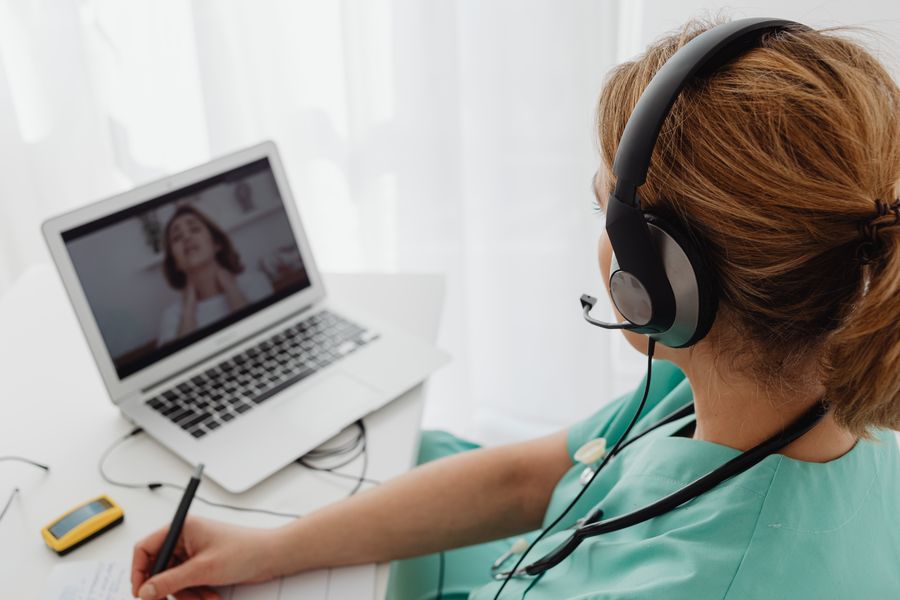
Hybrid work kits are vital in maintaining productivity across different work environments. These kits typically comprise laptops, monitors, keyboards, mice, and ergonomic accessories, all specifically chosen to meet the role-specific demands of employees. By standardizing these kits, companies can ensure that every employee has access to the same high-quality resources, minimizing technical disruptions during critical tasks such as video conferencing or collaborative projects.
The core idea behind hybrid work kits is to create a seamless transition between home and office workspaces. This is crucial not only for maintaining productivity but also for ensuring employee satisfaction and motivation. When employees know they have access to reliable and consistent tools, regardless of their location, they are more likely to perform at their best.
Key takeaway: Standardized hybrid work kits help maintain consistent productivity levels across different work environments.
Creating Role-Based Kit Policies
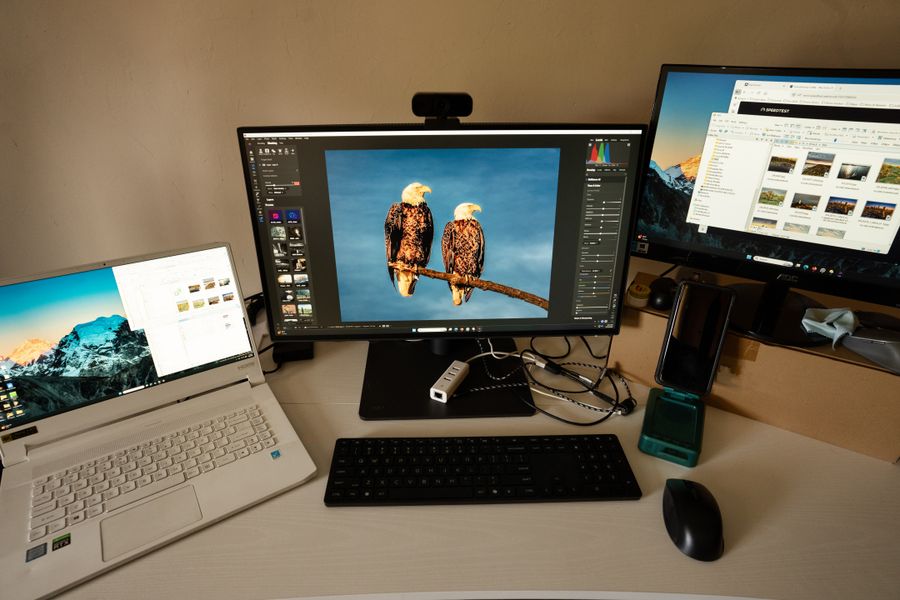
Role-based kit policies are essential for aligning equipment with specific job requirements. For example, a graphic designer might need a high-resolution monitor and a effective laptop with advanced graphics capabilities, while a sales representative might prioritize a laptop with long battery life and strong mobile connectivity for on-the-go presentations. Implementing role-based policies ensures that employees receive precisely what they need to excel in their roles, avoiding the pitfalls of over- or under-provisioning.
This approach not only optimizes resource allocation but also contributes to significant cost savings. By avoiding unnecessary purchases and leveraging existing resources more effectively, companies can reduce waste and enhance their sustainability efforts. Furthermore, by tailoring equipment to the specific needs of each role, businesses can foster a more efficient and focused work environment, ultimately driving better performance.
"For instance, a study published by the Washington State Department of Labor and Industries found that ergonomics interventions can lead to a 25% increase in productivity.">, Perfect Home Office Setup Guide for Remote Work
Optimizing Equipment Utilization
Optimizing equipment utilization is a critical concern for IT managers seeking to maximize the value derived from their technology investments. Tools like SetupMatch provide companies with valuable insights into how equipment is being used across the organization. By analyzing utilization rates, IT departments can identify underused assets and reallocate them where they are needed most.
This strategic approach ensures that all employees have access to the tools they need to perform optimally, while also reducing redundancy and waste. For example, if a particular monitor or laptop is consistently underutilized, it can be reassigned to another employee who requires it, thereby enhancing overall productivity without incurring additional costs. This not only optimizes resource deployment but also supports a culture of efficiency and sustainability within the organization.
Key takeaway: Utilization insights help IT managers make informed decisions about equipment allocation and reduce redundancy.
Implementing Ergonomic Setups
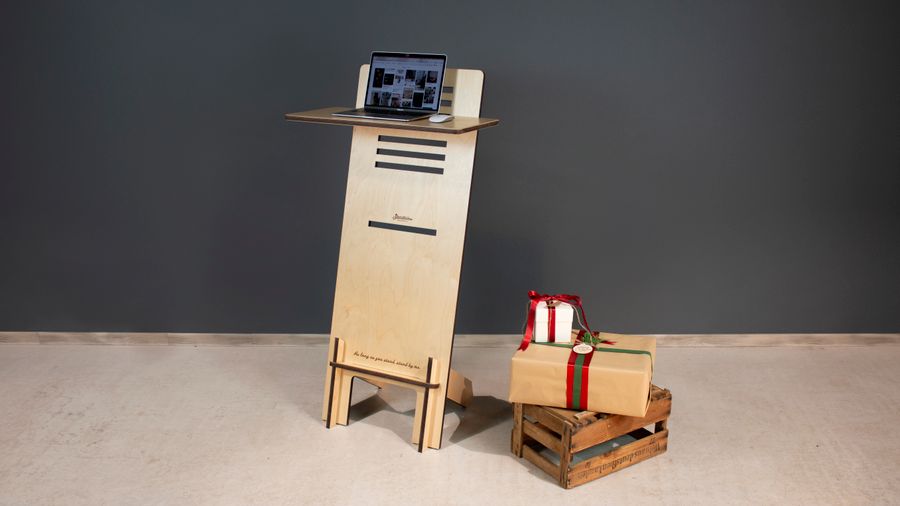
Implementing ergonomic setups is crucial for enhancing employee comfort, health, and productivity. Ergonomics focuses on designing workspaces that accommodate the physical needs of employees, thereby reducing the risk of work-related injuries and discomfort. By providing adjustable chairs, standing desks, and monitor stands, companies can help mitigate common health issues such as back pain, neck strain, and eye fatigue, which are prevalent in remote work settings.
Investing in ergonomic setups goes beyond simply providing physical comfort. It also fosters a culture of health and well-being, which can lead to increased employee engagement and productivity. When employees feel physically comfortable and supported in their work environment, they are more likely to focus on their tasks and deliver high-quality results. This investment in employee well-being pays off in the form of reduced absenteeism, higher morale, and a more dedicated workforce.
Steps to Implement Ergonomic Workstations
Your progress is saved automatically in your browser.
Standardizing the Onboarding Process
A standardized onboarding process is essential for ensuring that new hires receive their equipment quickly and efficiently. With the help of SetupMatch's smart global matching capabilities, IT departments can automate the onboarding process, significantly reducing the time and effort required to equip new employees. This efficiency not only speeds up the onboarding process but also enhances the overall experience for new hires, making them feel welcomed and supported from day one.
Standardizing the onboarding process also ensures consistency and fairness. Every employee, regardless of their role or location, receives the same high-quality equipment and support, fostering a sense of equality and unity within the organization. Additionally, by automating equipment distribution, companies can minimize errors and delays, further enhancing the onboarding experience and setting the stage for long-term employee success.
FAQ
Frequently Asked Questions
SetupMatch offers a robust platform for IT managers to streamline equipment inventory and allocation processes, ensuring employees are equipped for success in both home and office environments. By implementing role-based kit policies and optimizing equipment utilization, companies can achieve significant cost savings and enhance employee satisfaction. For more information on how SetupMatch can benefit your organization, visit our contact page.
Additional Resources
- Perfect Home Office Setup Guide for Remote Work | Flujo Blog - Unlock the secrets to the ideal home office setup for remote work with Flujo's comprehensive guide. Get tips for productivity and comfort.
- How hybrid working in the home office & office succeeds - For hybrid working from home & in the office to work, a few prerequisites must be met. Find out how to make it work!
- 6 Home Office Setups That Will Inspire You - Learning Centre - Looking to transform your remote work experience with a home office setup that enhances productivity and comfort? Let these 6 setups inspire .