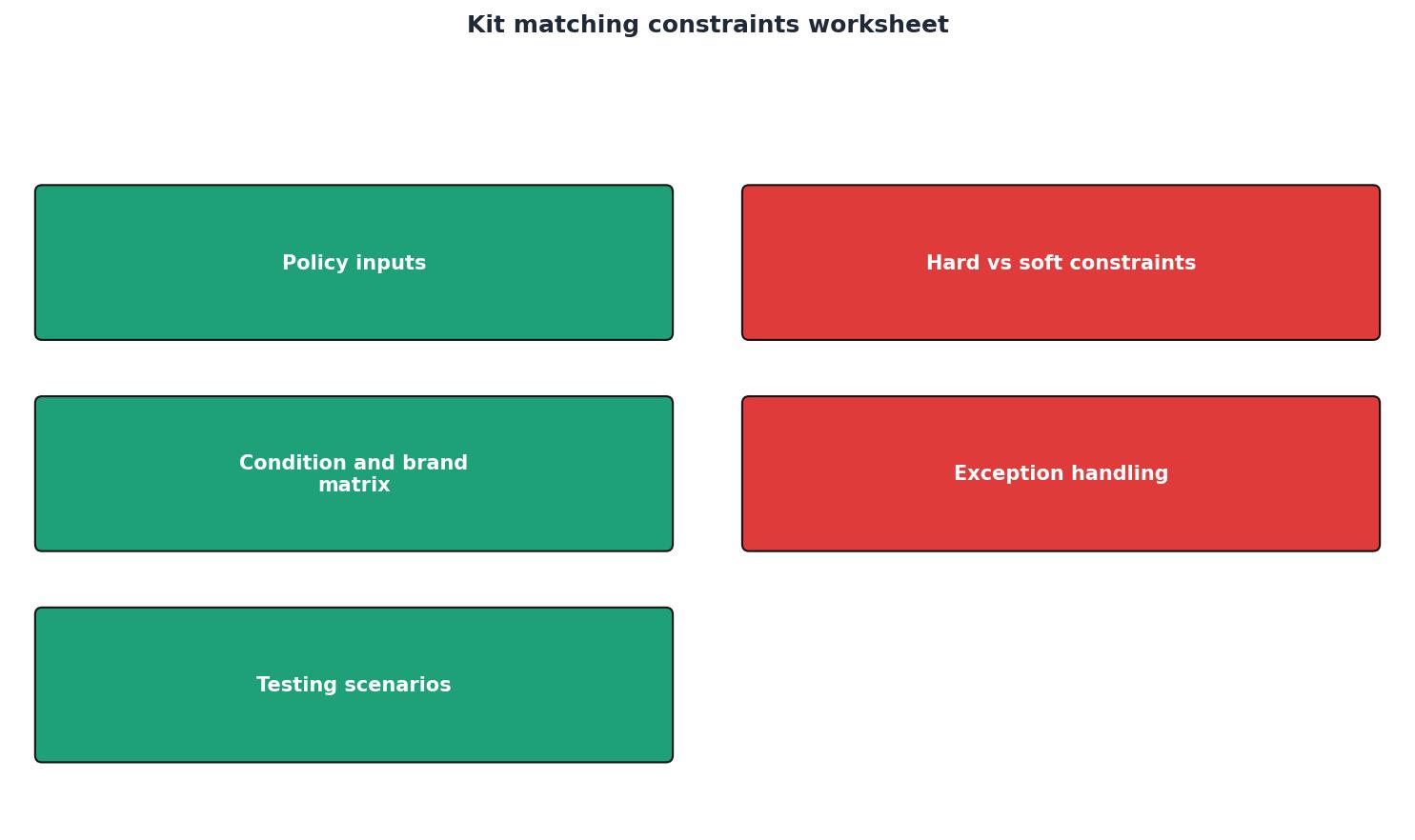
Kit matching constraints worksheet
In the fast-paced world of IT, efficient equipment allocation can make or break your operations. With companies expanding and remote work becoming the norm, having a streamlined process for managing IT assets is crucial. SetupMatch offers a comprehensive solution that ensures equipment is not only tracked but optimally allocated based on role-specific needs. This article delves into how SetupMatch can transform your IT asset management, providing visibility, reducing waste, and accelerating onbo


Photo by Pachon in Motion from Pexels
In the fast-paced world of IT, efficient equipment allocation can make or break your operations. With companies expanding and remote work becoming the norm, having a streamlined process for managing IT assets is crucial. SetupMatch offers a comprehensive solution that ensures equipment is not only tracked but optimally allocated based on role-specific needs. This article delves into how SetupMatch can transform your IT asset management, providing visibility, reducing waste, and accelerating onboarding processes.
TL;DR
- Streamline your IT equipment allocation with role-based policies.
- Reduce onboarding time by up to 40% with smart matching.
- Gain complete visibility into equipment status: available, reserved, and assigned.
- Minimize equipment waste with optimized utilization insights.
- SetupMatch ensures every team member has the right tools from day one.
Understanding Allocation Rules

Allocation rules are the backbone of effective IT equipment management. They define how and when equipment should be distributed across your organization. In SetupMatch, these rules can be tailored to match the specific needs of different roles within your company, ensuring that everyone from developers to designers has the right tools at their disposal.
Implementing clear allocation rules helps prevent confusion and ensures that all employees receive the equipment they need promptly. By setting these rules, IT managers can avoid the common pitfalls of equipment shortages or surpluses, which often lead to unnecessary spending and inefficiencies. For instance, a developer may require a high-performance laptop and multiple monitors, whereas a sales executive might need a lightweight laptop and a mobile device. Allocation rules ensure that these specific needs are met without delay or error.
Moreover, these rules can incorporate factors such as the employee's location, project requirements, and even personal preferences where applicable. This level of customization not only enhances productivity but also boosts employee satisfaction by providing them with the tools they find most effective.
Key takeaway: Establishing robust allocation rules is essential for ensuring that IT equipment is distributed effectively and efficiently across your organization, minimizing downtime and maximizing productivity.
Creating Role-Based Kit Policies
Role-based kit policies are a effective feature of SetupMatch, designed to simplify the equipment allocation process. By defining kits for specific roles, such as a developer or a designer, companies can ensure that each employee receives all necessary equipment when they join the team.
These policies not only speed up the onboarding process but also reduce the time IT teams spend on manual tracking and allocation tasks. With SetupMatch, you can automate the matching of equipment to new hires based on pre-defined kits, ensuring consistency and efficiency.
For example, a new developer joining the team automatically receives a laptop, monitor, and necessary peripherals, all pre-configured and ready to use. This reduces the onboarding time significantly, allowing them to start contributing to projects immediately. By having these kits pre-defined, the IT department can prepare for new hires more efficiently, reducing the lead time from recruitment to productivity.
Furthermore, role-based kits can be easily updated and modified as technology evolves or as the needs of the role change. This adaptability ensures that employees always have access to the latest technology and tools, which can have a direct impact on their performance and satisfaction.
Example: A marketing professional might receive a kit that includes a effective laptop, a tablet for presentations, and software for design and analytics, ensuring they can perform all aspects of their role from day one.
Conducting a Technology Inventory Audit

Conducting regular technology inventory audits is essential for maintaining an accurate overview of your IT assets. An audit helps identify discrepancies between physical inventory and records, ensuring that the data in your system reflects reality.
SetupMatch simplifies this process by providing tools that automate inventory tracking and updates. This ongoing visibility into your inventory helps prevent losses and ensures that equipment is available when needed.
A technology inventory audit involves several critical steps:
- Prepare a comprehensive list of all IT assets, including laptops, monitors, peripherals, and software licenses. This list should be detailed, covering serial numbers, purchase dates, warranty information, and current condition.
- Use SetupMatch to track the current status of each item, noting whether it's available, reserved, assigned, or retired. This real-time tracking capability allows for immediate identification of discrepancies.
- Cross-reference with physical inventory to ensure accuracy. Physical checks should be conducted periodically to confirm that what is listed in the system matches what is physically present.
- Update records in SetupMatch to reflect any discrepancies found during the audit. This ensures that the database remains an accurate reflection of the actual inventory, which is crucial for planning and allocation.
Regular audits not only help in maintaining accuracy but also in identifying trends, such as frequently damaged or lost equipment, which can inform future purchasing and allocation decisions.
Optimizing Utilization and Reducing Waste

One of the significant challenges in IT management is ensuring that resources are used optimally. Unused or underutilized equipment represents a waste of resources and capital. SetupMatch provides insights into equipment utilization, helping you identify areas where efficiency can be improved.
By analyzing utilization data, IT managers can make informed decisions about reallocating or retiring equipment, thus reducing waste and optimizing the use of assets. For instance, if certain devices are consistently underutilized, they can be reallocated to departments with higher demand or phased out entirely.
Additionally, understanding utilization patterns can help in predicting future needs and adjusting procurement strategies accordingly. This proactive approach can prevent over-purchasing and ensure that the organization invests in technology that will be fully utilized.
Investing in tools like SetupMatch for utilization analysis not only reduces waste but also contributes to sustainability efforts by minimizing unnecessary electronic waste.
Practical Checklist for IT Equipment Management
Efficient IT equipment management requires a structured approach. Here is a checklist to help you streamline your processes:
IT Equipment Management Checklist
Your progress is saved automatically in your browser.
Following this checklist will ensure that your IT equipment management processes are efficient, effective, and aligned with organizational goals.
FAQ
Frequently Asked Questions
SetupMatch is a game-changer for IT operations, offering a comprehensive platform that streamlines equipment management and allocation. By leveraging this tool, companies can enhance their operational efficiency, cut down on waste, and ensure that each team member is equipped with the right tools from the start. Consider integrating SetupMatch into your IT strategy to unlock these benefits and more.
Additional Resources
- Builder Central (Beta) | Aide de Salesforce - Builder Central helps you manage, build, and deploy solutions across Salesforce, Matching Quote Line Items Protect Quote and Order Consistency. Kit ...
- Work Plan - Where site conditions or constraints prohibit carrying out a specific DFW, the UXOQCS will designate personnel to correct or resolve ...
- Sample Metadata Standards for Sequencing Projects | Dr ... - A practical guide to sequencing sample metadata, covering method choices, quality checks, interpretation, and useful next steps.
Assign the right equipment to every employee
SetupMatch helps IT teams track inventory, define kit policies, and match employees to the right hardware.
Get started