Laptop lifecycle states explained for IT coordinators
In the fast-paced world of IT operations, managing equipment effectively is crucial for seamless business operations. Understanding the lifecycle of laptops, from acquisition to retirement, can significantly enhance asset management efficiency. This article delves into the various states of laptop lifecycles, providing practical insights for IT coordinators to optimize equipment utilization and streamline processes.

Photo by RDNE Stock project from Pexels
In the fast-paced world of IT operations, managing equipment effectively is crucial for seamless business operations. Understanding the lifecycle of laptops, from acquisition to retirement, can significantly enhance asset management efficiency. This article delves into the various states of laptop lifecycles, providing practical insights for IT coordinators to optimize equipment utilization and streamline processes.
TL;DR
- Understanding laptop lifecycle states can improve asset management efficiency.
- Key states include available, reserved, assigned, and retired.
- Properly managing these states reduces waste and enhances visibility.
- SetupMatch can help streamline these processes with smart matching and policy-based kits.
- Effective lifecycle management leads to faster onboarding and better resource utilization.
Equipment Status Labels: Clarifying the Basics

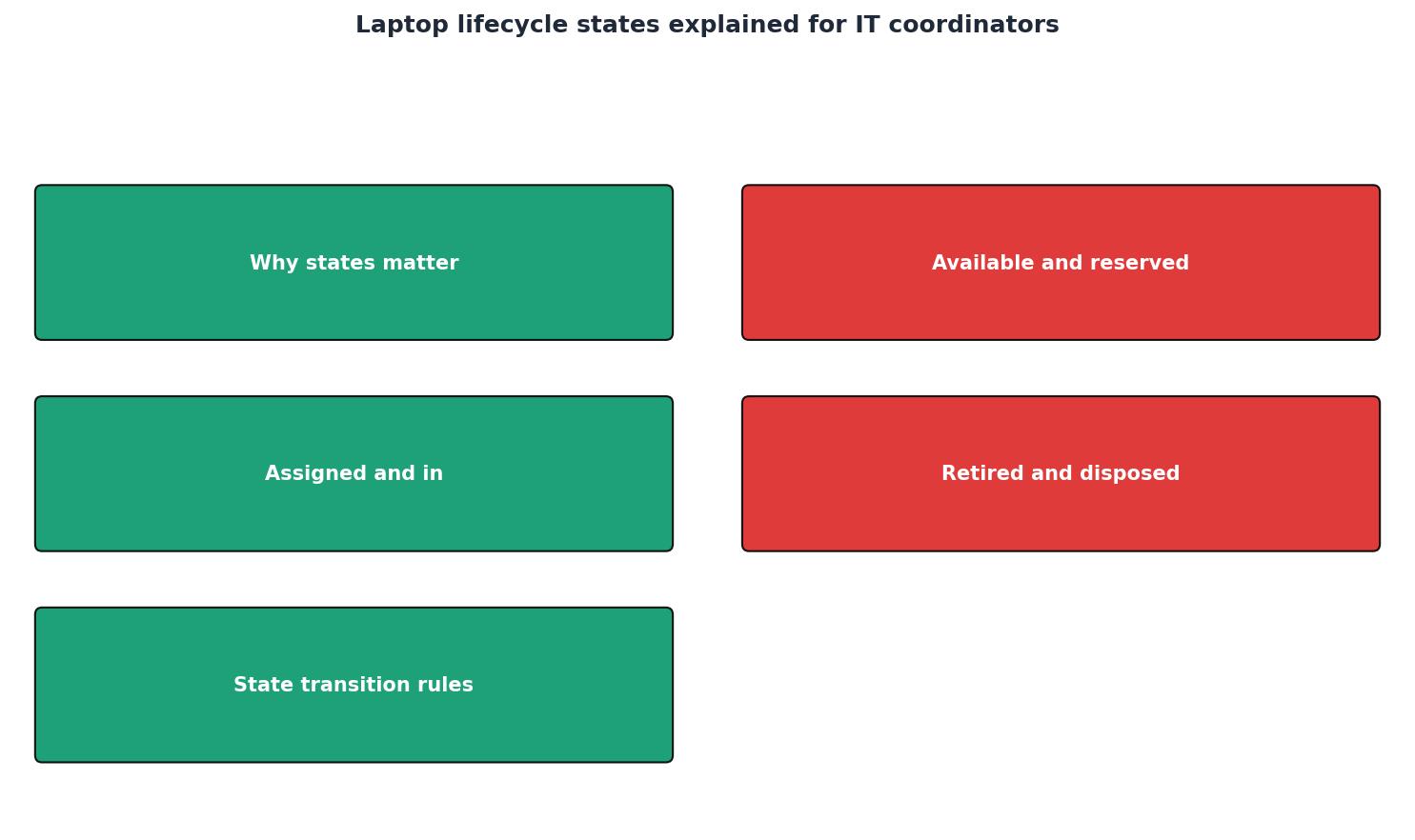
Every piece of IT equipment, particularly laptops, goes through several stages during its lifecycle. The primary states include:
- Available: The laptop is ready for allocation and use. This state is crucial as it indicates that the equipment is in optimal condition, fully configured, and ready to be deployed at a moment's notice. IT coordinators need to ensure that these laptops are regularly updated with the latest software and security patches to maintain readiness.
- Reserved: The laptop is earmarked for a specific person or purpose but not yet in use. This state helps in planning and ensures that critical resources are reserved for projects or personnel requiring immediate attention. Proper management of the reserved state prevents conflicts and ensures smooth transitions during employee onboarding or project launches.
- Assigned: The laptop is in use by an employee or team. This is the most active phase in a laptop's lifecycle where monitoring and support are essential. IT teams must track performance, usage patterns, and any technical issues that arise to maintain productivity and avoid downtime.
- Retired: The laptop is no longer in active service, either due to obsolescence or damage. At this stage, it is crucial to ensure that all data is securely wiped, and decisions are made regarding recycling, resale, or disposal in accordance with environmental and company policies.
Key takeaway: Clear status labeling of equipment ensures efficient allocation and utilization of IT resources. It provides a structured approach to managing assets, which is vital for operational efficiency and cost-effectiveness.
Inventory Management System: A Backbone for IT Operations
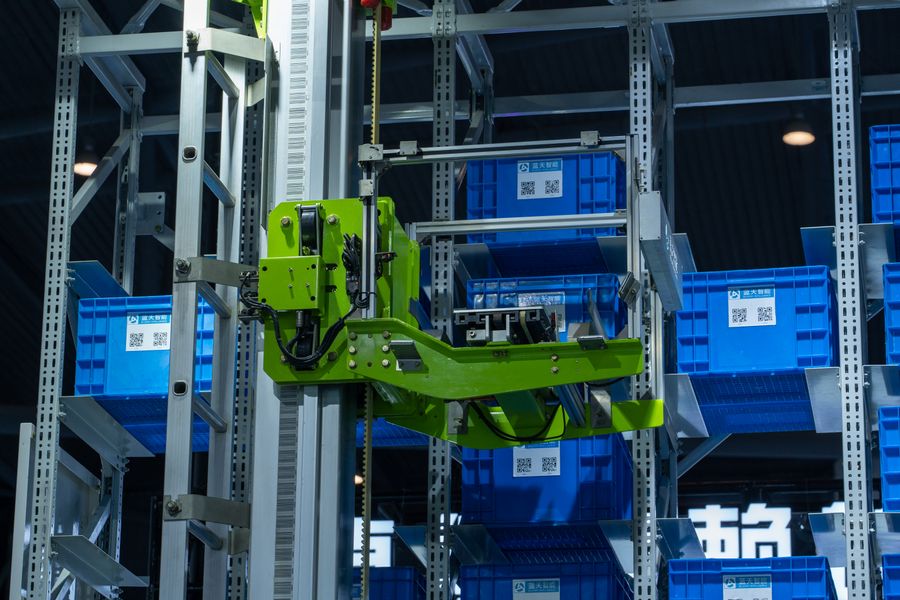
An effective inventory management system is crucial for tracking equipment status and managing the lifecycle of IT assets. This system should provide real-time visibility into the status of each piece of equipment, making it easier to manage allocations and predict future needs.
The integration of technology like SetupMatch can revolutionize how IT teams manage their assets. With smart matching technology, IT coordinators can automate the allocation process, ensuring that each laptop is matched with the right employee based on their role requirements. Policy-based kits further enhance this by aligning equipment distribution with company policies and standards, thereby reducing the risk of non-compliance.
Implementing a robust inventory management system can significantly enhance the efficiency of IT operations by:
- Reducing equipment downtime through proactive management. By having an up-to-date view of all assets, IT teams can anticipate maintenance needs and schedule them during off-peak hours to minimize disruption.
- Enabling quick identification of available resources. This feature is particularly useful during peak times of hiring or when large projects require immediate deployment of resources.
- Facilitating compliance with organizational standards and policies. With automated tracking and reporting, it becomes easier to adhere to internal and external audits, ensuring that all equipment is accounted for and used appropriately.
Streamlining Laptop Allocation: A Step-by-Step Guide

Efficient laptop allocation is key to maintaining productivity and minimizing operational disruptions. Here’s a step-by-step guide to streamline this process:
- Assessment: Evaluate the current status of each laptop in the inventory. Identify which are available, reserved, or need to be retired. This involves regular checks and updates to the inventory system to keep data accurate and reflective of the real-time situation.
- Policy-Based Allocation: Use predefined policies to allocate laptops based on role requirements, ensuring that each employee receives the appropriate equipment. This step helps in maintaining fairness and consistency in resource allocation, reducing the likelihood of resource hoarding or misallocation.
- Utilization Tracking: Monitor the usage of assigned laptops to identify underutilized assets that can be reallocated. By analyzing usage patterns, IT coordinators can make informed decisions about reassigning or upgrading devices, thus optimizing the overall asset pool.
- Regular Audits: Conduct regular audits to ensure accuracy in inventory data and compliance with company policies. These audits are essential for uncovering discrepancies, preventing loss, and ensuring that all equipment is functioning as expected.
By following these steps, IT coordinators can enhance the efficiency of equipment allocation, reduce waste, and improve overall utilization. Streamlined allocation processes not only boost productivity but also lead to better employee satisfaction as they receive the tools they need promptly.
Laptop Allocation Checklist
Your progress is saved automatically in your browser.
Enhancing Utilization with SetupMatch
Utilization is a key metric in effective IT asset management. Ensuring that laptops are used to their full potential can lead to significant cost savings and improved operational efficiency. SetupMatch provides valuable insights into equipment utilization, helping IT teams to:
- Identify underutilized assets for reallocation. This prevents unnecessary purchases and ensures that existing resources are maximized before acquiring new ones.
- Optimize equipment purchases based on actual usage data. By understanding the real needs of the organization, IT departments can make more informed purchasing decisions, aligning budget expenditures with actual demand.
- Reduce redundancy by aligning resources with demand. This alignment helps in maintaining an agile IT environment where resources are readily available yet not wasted.
FAQ
Frequently Asked Questions
By leveraging the insights and tools provided by SetupMatch, IT coordinators can transform their equipment management processes, leading to faster onboarding, reduced waste, and enhanced visibility. Visit SetupMatch.cloud to learn more about how our solutions can help your organization optimize its IT asset management.
Assign the right equipment to every employee
SetupMatch helps IT teams track inventory, define kit policies, and match employees to the right hardware.
Get started